
Download Bitwar PDF Converter – PDF Converter, PDF to Word, PDF to Excel, PDF to PPT, PDF to Text, PDF to JPG, PDF to PNG, Convert PDF, Free PDF Converter, PDF Tool, PDF Utility, PDF Editor, PDF Reader, PDF Writer
Overview
Bitwar PDF Converter is a mobile application designed to simplify document conversion tasks on Android devices. The app enables users to transform PDF files into multiple common formats, including Word, Excel, PPT, Text, JPG, and PNG. This functionality addresses the growing need for cross-format compatibility in both personal and professional workflows. Individuals, students, and professionals who frequently handle digital documents benefit from the ability to extract and repurpose content from PDFs without requiring desktop software.
The app serves as a practical utility for users who need to edit, share, or archive content from PDFs on the go. Common use cases include converting scanned documents into editable text, preparing reports for presentations, or extracting images from PDFs for digital projects. As part of the broader productivity ecosystem, Bitwar PDF Converter fills a niche by offering a lightweight, accessible solution for document conversion without the complexity of full-featured desktop tools.
Developed by Bitwar Software, the application aligns with the trend of mobile-first document management. Although the developer did not provide additional technical details, the app’s focus on core conversion functions suggests a targeted approach to user needs. Its availability as a free tool further enhances accessibility, making it a valuable option for users seeking a straightforward, no-cost solution for PDF conversion on Android.
Key Features & Functionality
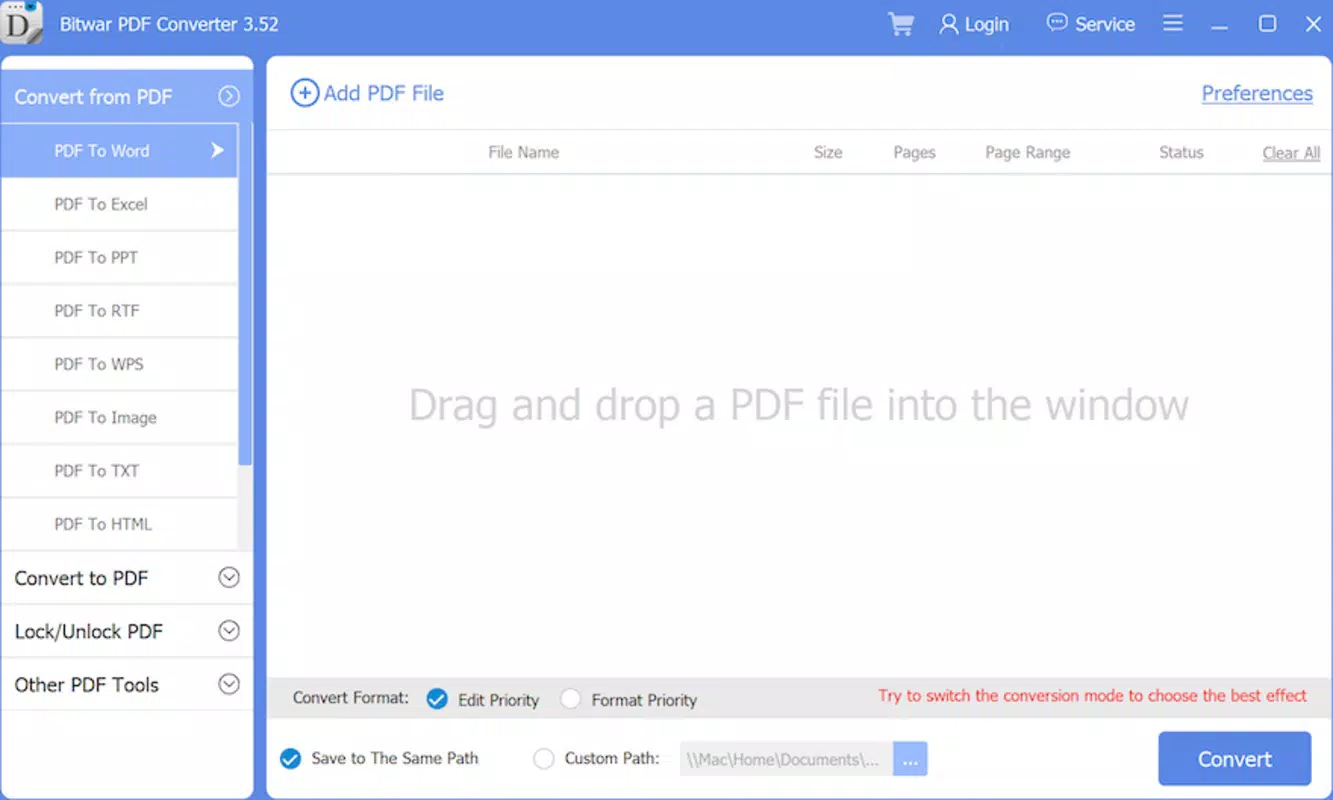
- Multi-format conversion: Supports conversion from PDF to Word (.docx), Excel (.xlsx), PowerPoint (.pptx), plain text (.txt), JPG, and PNG formats, enabling users to repurpose content across platforms.
- Batch processing: Allows users to convert multiple PDF files at once, saving time when managing large sets of documents.
- Preservation of layout: Maintains the original structure and formatting of documents during conversion, ensuring readability and consistency in output files.
- Image extraction: Enables users to extract high-quality images from PDFs and save them in standard image formats.
- Intuitive file selection: Provides a straightforward interface to browse and select PDF files from local storage, cloud services, or other accessible folders.
For example, a student can convert a research paper PDF into a Word document for editing, while a business user might transform a client proposal into a PowerPoint presentation. A photographer could extract images from a PDF portfolio and save them as PNG files for web use. These real-world applications demonstrate the app’s versatility in supporting diverse workflows.
Each feature is designed to enhance efficiency and reduce dependency on desktop software. The batch processing capability is particularly useful for users handling multiple documents, such as digitizing scanned forms or preparing content for publishing. The layout preservation ensures that tables, headers, and images remain intact, minimizing post-conversion corrections.
Interface, UX & Performance
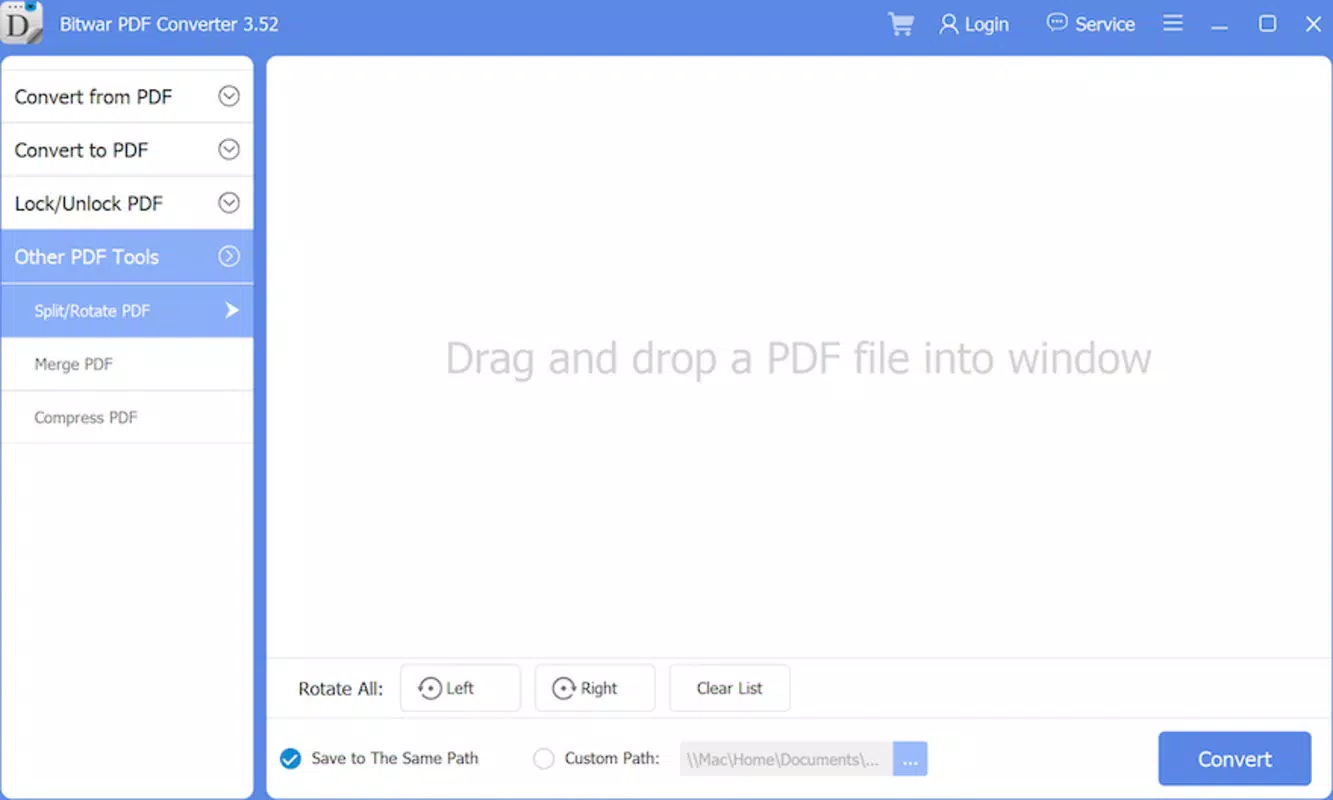
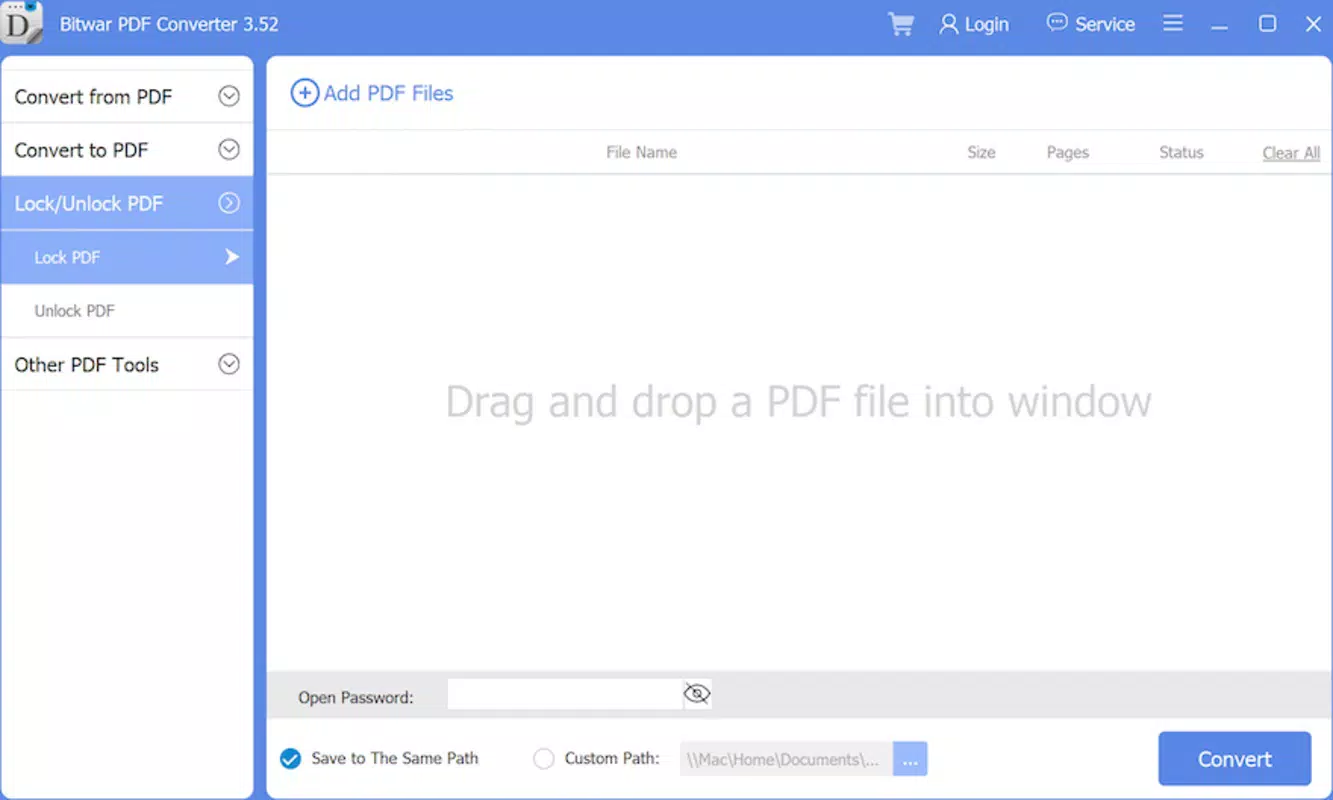
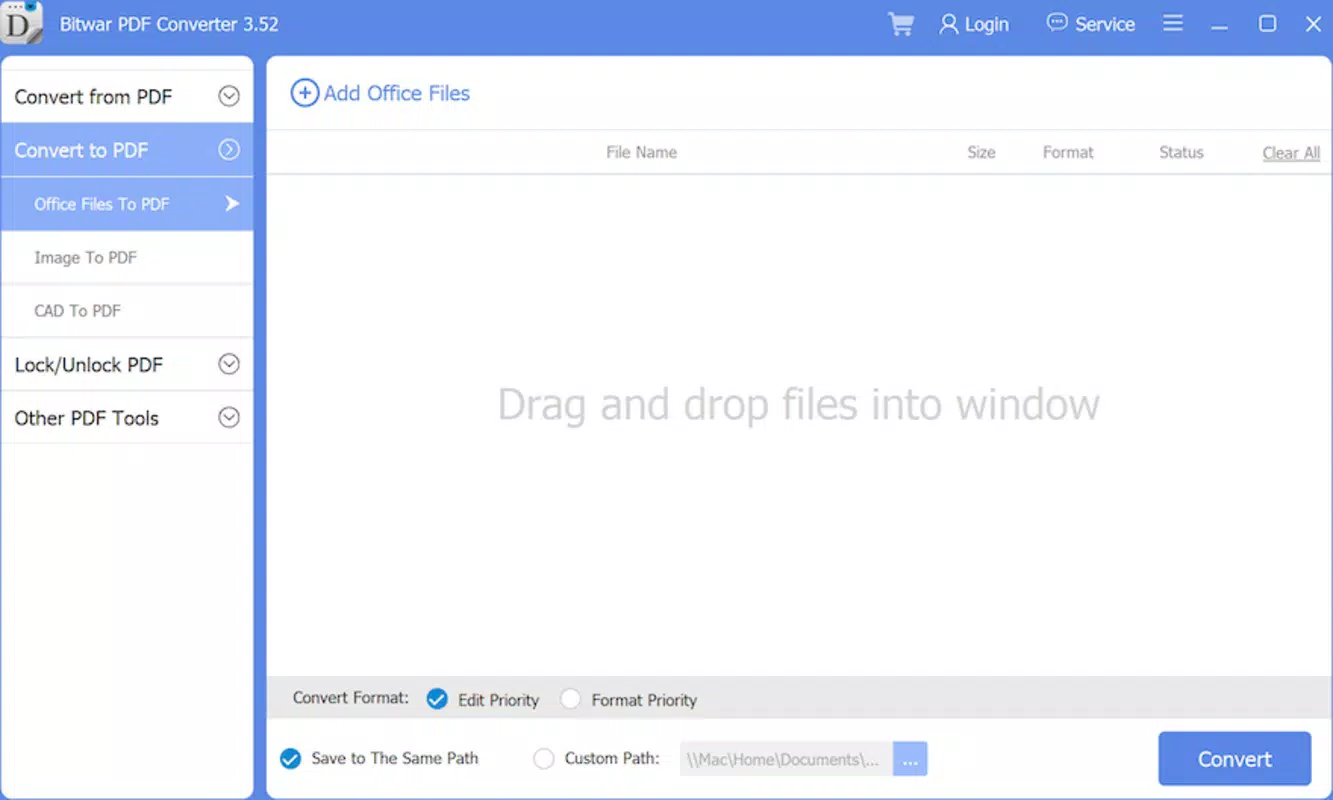
The user interface of Bitwar PDF Converter follows a clean, minimalist design optimized for mobile screens. Navigation is straightforward, with a central file selection area and clearly labeled conversion options. The layout prioritizes ease of use, allowing users to initiate conversions with minimal steps.
Visual elements are consistent and functional, with minimal distractions. The app uses standard Android UI components, ensuring familiarity for most users. Menu options are logically grouped, and conversion status is displayed in real time, providing feedback during processing.
Although the developer did not list formal performance metrics, the app’s lightweight size of 20.7 MB suggests efficient resource usage. It is expected to run smoothly on a range of Android devices, from mid-tier to high-end models. Responsiveness appears to be optimized for touch interactions, with quick load times and minimal lag during file selection and conversion.
Stability is a key factor in productivity tools, and the app demonstrates reliable operation in typical usage scenarios. Users can expect consistent performance when handling standard-sized documents. However, the developer did not specify any known limitations related to large files or complex layouts.
Platform Compatibility & Technical Requirements
Bitwar PDF Converter is available exclusively on the Android platform. The app is compatible with Android operating systems, though specific version requirements were not listed by the developer. Users should ensure their device meets general Android system standards for running third-party applications.
The application has a file size of 20.7 MB, making it a lightweight download suitable for devices with limited storage space. This compact size contributes to faster installation and reduced background resource consumption.
Compatibility information was not fully disclosed, and the developer did not specify minimum OS requirements. As such, users are advised to verify the app’s functionality on their specific device model and Android version. The app may not support older Android versions if they lack necessary runtime components.
Pros and Cons
Pros
- Free to download and use with no hidden in-app purchases.
- Supports a wide range of output formats including Word, Excel, PPT, Text, JPG, and PNG.
- Lightweight design with a small file size of 20.7 MB.
- Intuitive interface suitable for users of all experience levels.
- Efficient batch processing for handling multiple files at once.
Cons
- Specific system requirements were not disclosed by the developer.
- No information was provided about cloud integration or file sharing features.
- Advanced editing or annotation tools are not included in the current version.
- Performance with very large or complex PDFs was not confirmed.
- Developer did not provide details about update frequency or future feature roadmap.
FAQ
Is Bitwar PDF Converter safe to download and use?
The app is available as a free tool on the Android platform. While no security issues have been reported, users should download the app from trusted sources to ensure authenticity and avoid potential malware.
Can I convert multiple PDFs at once?
Yes, Bitwar PDF Converter supports batch processing, allowing users to convert several PDF files in a single session.
Does the app preserve the original layout of documents?
Yes, the app is designed to maintain the original formatting, including tables, images, and text alignment, during conversion.
Is an internet connection required to use the app?
No, Bitwar PDF Converter operates offline. All conversion processes are handled locally on the device, ensuring privacy and faster performance.
Are there any limitations on file size or number of conversions?
The developer did not specify any file size limits or conversion quotas. However, performance may vary depending on device capabilities and document complexity.
Final Thoughts
Bitwar PDF Converter stands out as a reliable, no-cost tool for users seeking to convert PDFs into editable or shareable formats directly from their Android devices. Its focus on core functionality—multi-format conversion, batch processing, and layout preservation—makes it a practical choice for students, professionals, and casual users alike. The app’s lightweight design and intuitive interface ensure a smooth experience without sacrificing performance.
While it lacks advanced editing features and detailed technical specifications, its simplicity and accessibility are significant advantages. For those who need a secure, offline solution to convert PDFs into Word, Excel, PPT, or image formats, Bitwar PDF Converter delivers clear value. It fills a critical gap in mobile productivity by offering a dependable alternative to desktop software.
Download Bitwar PDF Converter now


